

The three moving parts
How the app is laid out
Opening the app takes you to Home. The other six pages are listed under CB Notifylyst in the Shopify admin’s left navigation.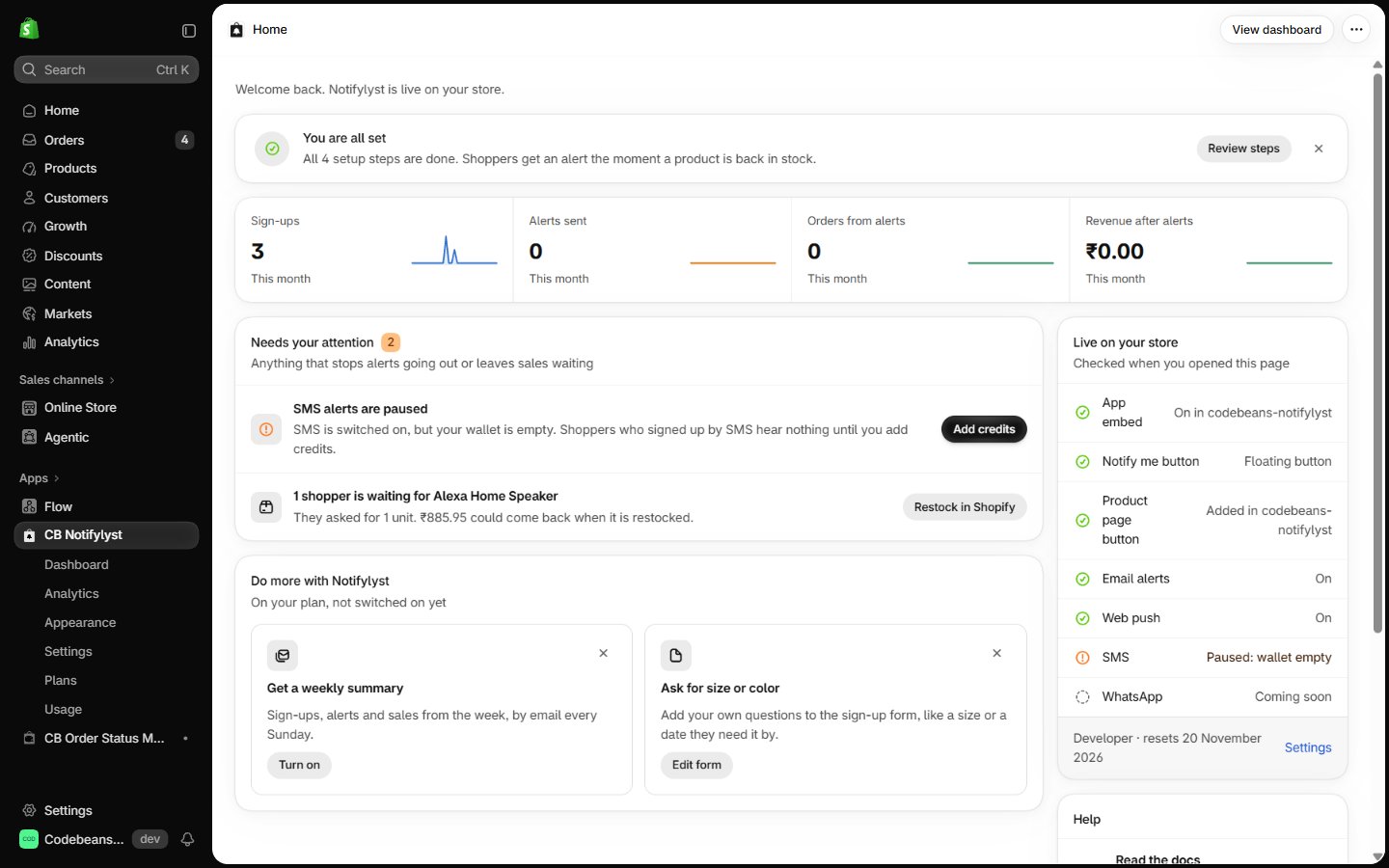
Start here
Quickstart
Follow Home’s four-step setup guide to a working alert.
Set up
One page per setup task — widget, channels, email sending, delivery rules, imports.
Guides
Doing the work: appearance, templates, analytics, reports, billing, integrations.
Reference
Lookup tables — every setting, every report, every plan feature, FAQ and troubleshooting.
What this manual assumes. That you have a Shopify store and are looking at Notifylyst inside
your Shopify admin. Some features depend on your plan — pages say when, and
Plan features lists all of them.