

Dashboard
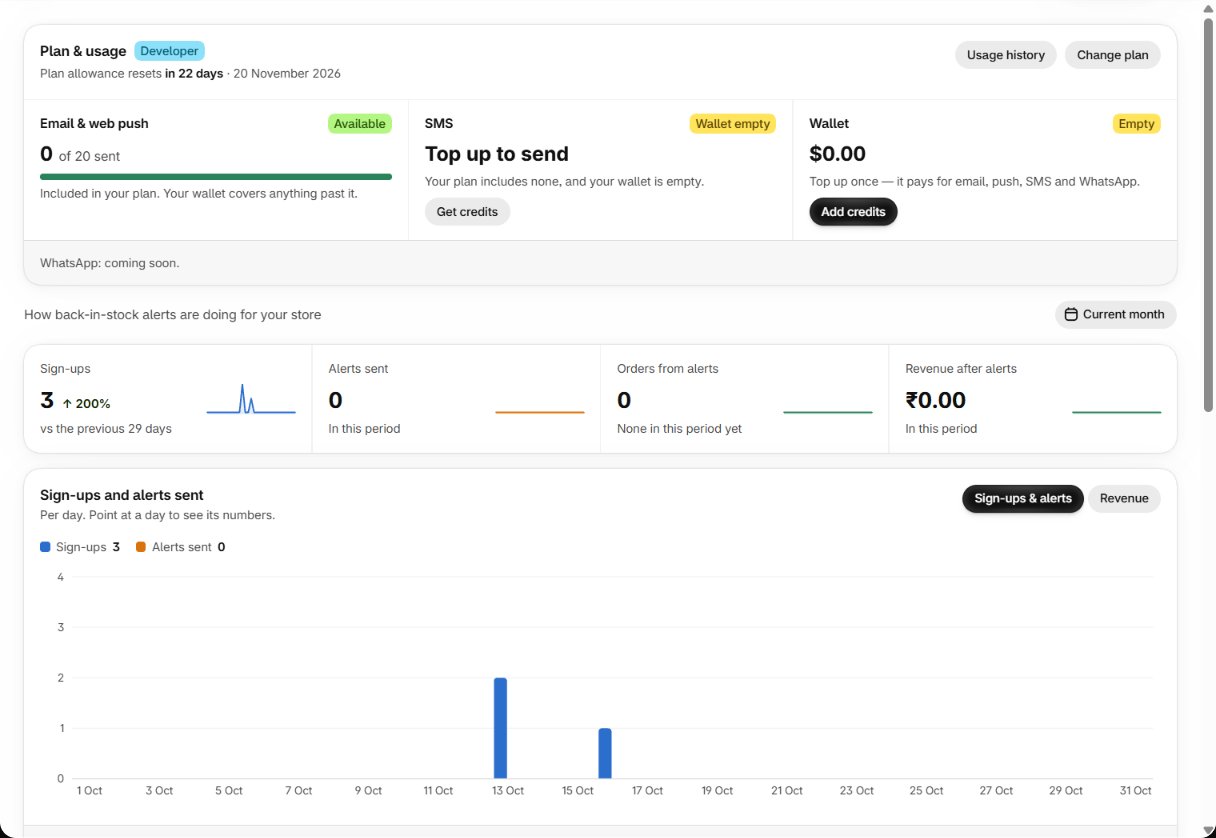
When alerts are waiting for credit, a banner at the top says so — see
Your allowance runs out.
Direct and Assist
A sign-up that was never alerted earns nothing, even if the shopper buys. There is no time limit
on attribution. A cancelled order removes its revenue; a refund lowers it.
Activity
Dashboard → View all activity lists every sign-up, alert and purchase, newest first. The tiles at the top (All activity, Sign-ups, Alerts sent, Purchases) are also the filter; narrow it further by channel or with Search by email, phone or product. The activity feed depends on your plan (Activity Feed).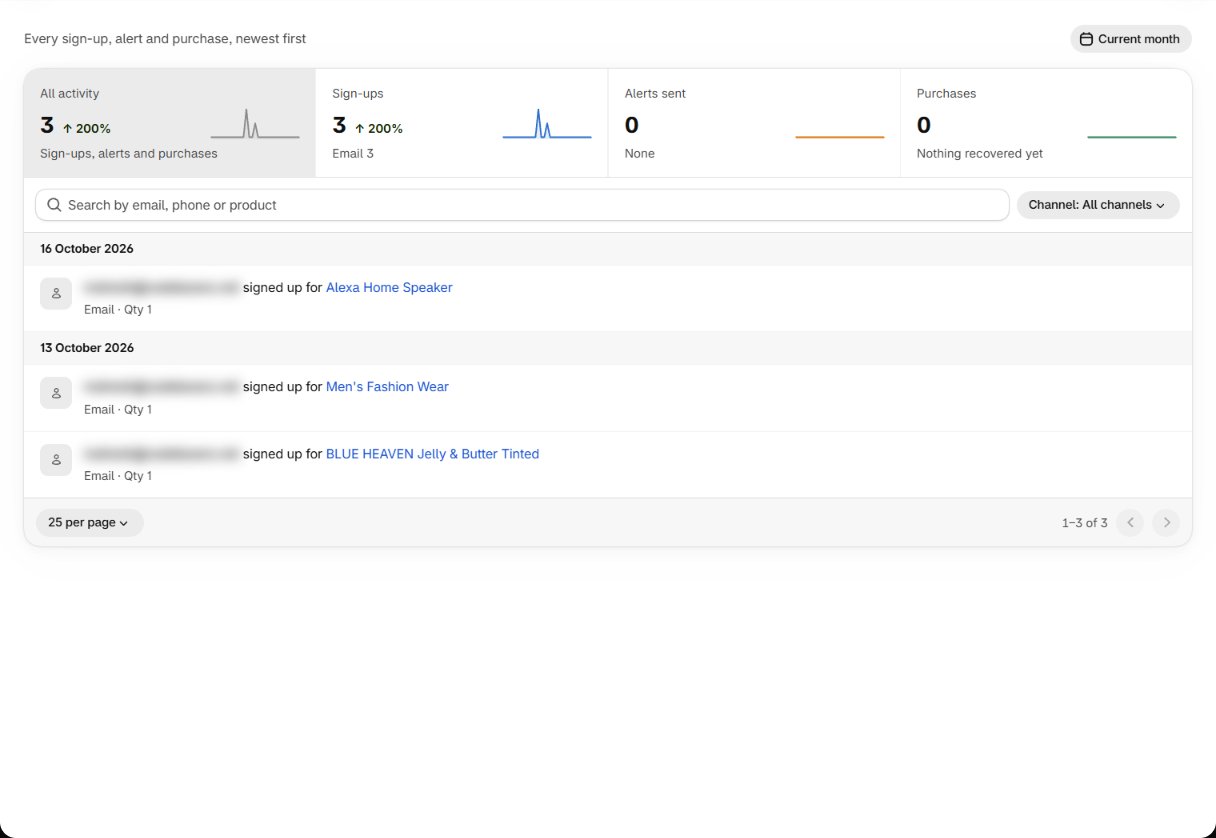
Analytics: start from the question
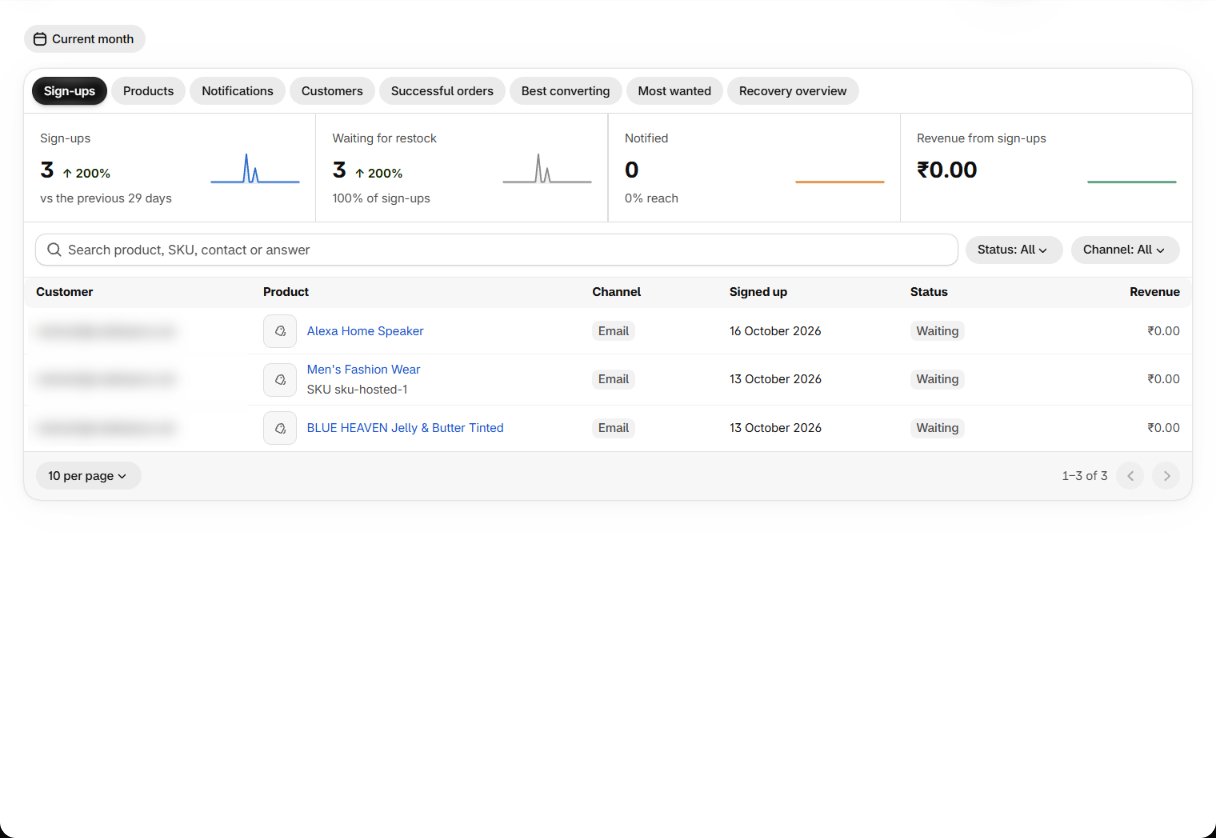
The three that matter most
Most wanted. Variant-level demand, ranked. Within a couple of weeks it is a restock list built from what shoppers actually asked for. Read it next to live stock: a long queue for something already in stock means your delivery rules are holding alerts back. Recovery overview. Alerts sent, conversions and revenue that came back. It counts purchases linked to an alert, including Assist orders from shoppers who might have bought anyway — so watch the trend rather than the absolute figure. Notifications. The send log. When a shopper says “I never got told”, this shows whether an alert was sent, on which channel, and when. For delivery problems, check Communication logs.Detail pages
- Click a product in Products to open its page: every variant, the shoppers waiting, and the results per channel. View variant details opens one variant.
- Click a customer in Customers to open Customer details: each sign-up, alert and order, filterable by All Revenue, Direct Revenue and Assist Revenue.
Add a sign-up by hand
Add sign-up at the top of Analytics opens Add new customer signup — for a request that came in by phone or in the shop. Choose the contact, up to 50 products, the quantity (1–9999) and when it was added (not in the future). If the contact is already waiting for all of them you see This contact is already signed up for every product you selected.Exporting
Export on a report tab emails the report to you as a CSV (the Customers report as an Excel file): Export started! We will email you the CSV shortly. Recovery overview has no export. Exports depend on your plan (CSV Export), and an export email uses one notification from your allowance — with none left you see You’ve used all the notifications included this cycle, so this export can’t be emailed.Prefer asking to reading? The AI connector gives Claude these same reports,
so “which products are people waiting for that I already have stock of?” is one question.
Analytics reports
Every report, its columns and its plan.
Reports and alerts
Next: get these numbers by email.